SSH Command & LLDP Tool: Managing Switches Centrally and Maintaining Port Descriptions Automatically
Anyone who regularly looks after network switches knows the problem: an access point is connected to one port, a phone to the next, and another switch somewhere in between. The devices often already announce their names via LLDP – only the port descriptions do not match. And when the same commands have to be run on several switches, the next round of copy & paste begins.
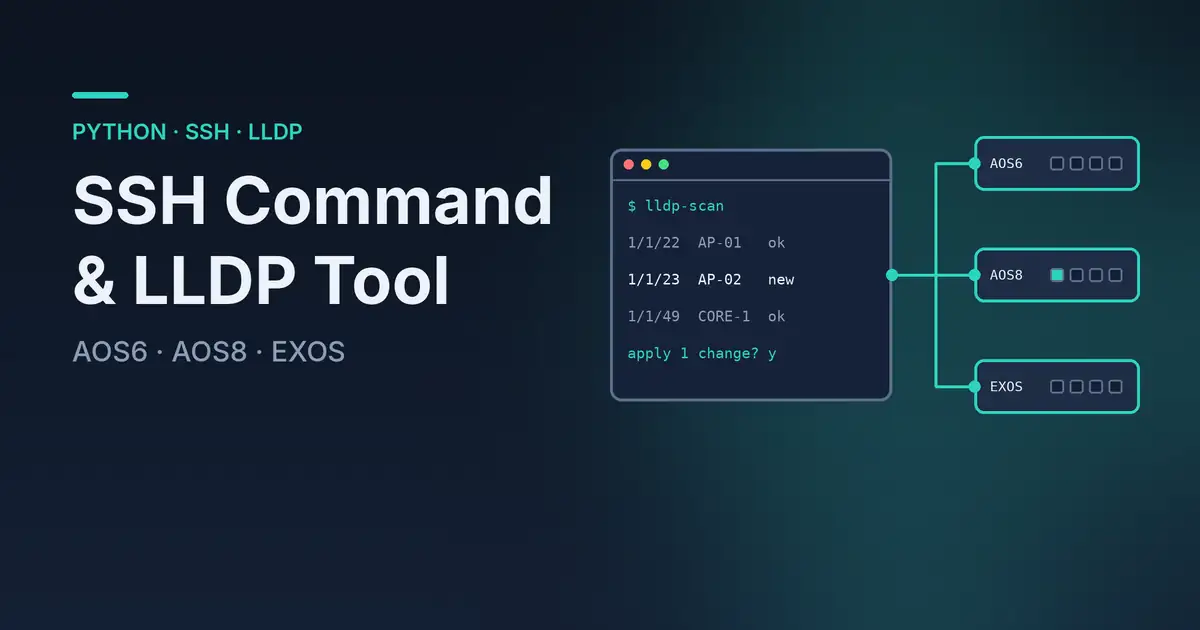
This is exactly the kind of task I built my SSH Command & LLDP Tool in Python for. It runs locally on my computer, connects to the network devices via SSH and combines two functions: running CLI commands on multiple switches and checking and updating port descriptions based on LLDP information.
From the ALE-LLDP-Alias Script to a Local Application
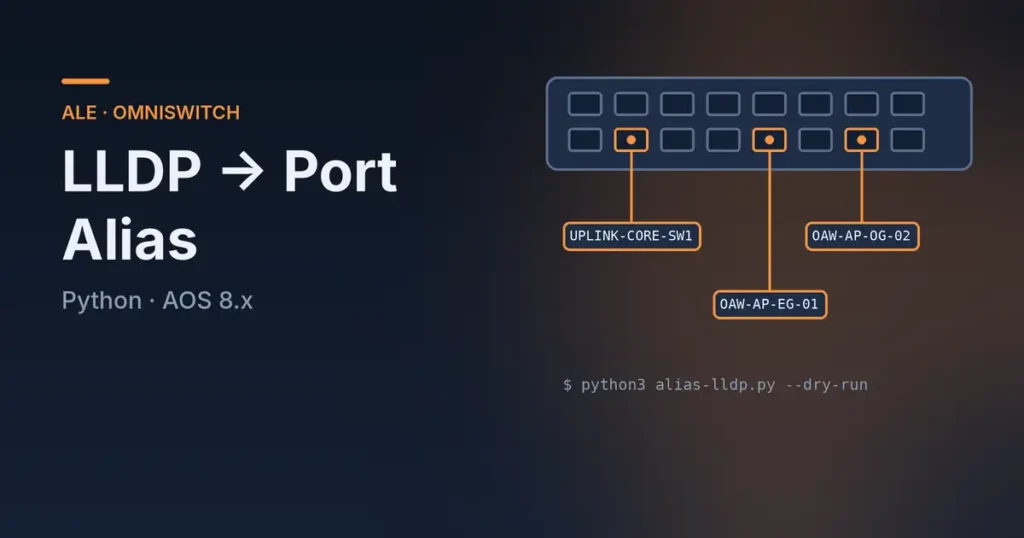
In my earlier article on setting port aliases automatically from LLDP on Alcatel-Lucent Enterprise switches, I described how LLDP neighbors can be used to maintain port aliases.
The approach works, but it has a catch in everyday use: that Python script runs directly on the switch. Python is available on ALE switches running AOS8, but not on AOS6. In customer networks with different switch generations, that is not a particularly elegant basis for a uniform solution.
So I wanted to move the logic from the switch to my own computer. The new tool needs no Python on the network device. Instead, it talks to the existing CLI over SSH. This lets me handle AOS6 and AOS8 switches from a single interface and include Extreme Networks EXOS as well.
Another advantage: I do not have to copy, start or maintain scripts on every device. One local application is enough – and I can see what is going to change before applying it.
What Can the Tool Do?
1. Run SSH Commands on Multiple Switches
In the SSH section, I can enter a list of IP addresses or an IP range and define any CLI commands. The tool connects to the devices and works through the commands. The number of parallel sessions is configurable; the default is five.
This is handy, for example, when I want to query the same status on several devices or carry out a planned action. Credentials and alternative credentials can be stored for logging in. The output can be logged and exported per device.
Important: If enabled, the tool answers confirmation prompts – for example for a reboot – automatically with “y”. So check the command list carefully before starting. Running commands in parallel on many devices is only pleasant if they are the right commands.
2. Read LLDP Neighbors and Compare Port Descriptions
The more interesting part for me is the LLDP function. The tool detects the supported switch platform, reads the available LLDP neighbors and the existing port descriptions or aliases, and puts them side by side.
This shows me at a glance which descriptions already match and where something has changed – for example when an access point has been replaced or moved to a different port.
The comparison produces change proposals. I can review them before applying, select individual entries and edit them manually if needed. A scan alone does not change any switch configuration.
3. Apply Changes Selectively
After the scan, I decide which proposed changes should actually be applied. Only after confirmation does the tool send the corresponding CLI commands to the selected switches and trigger saving the configuration.
The comparison logic already takes a few special cases into account:
- Unchanged names: If the existing description matches the detected neighbor, no change is needed.
- Changed LLDP names: If they differ, an update is proposed.
- “Not-Advertised”: If a neighbor does not report a usable name, the entry is ignored.
- No detected neighbor: A missing LLDP neighbor does not automatically delete an existing description.
- Inactive ports: For existing descriptions, an appended question mark can be proposed as a hint.
Entries can also be changed manually or marked for removal. Especially with special cases, I do not want to rely on automatic detection always making the only right decision.
Which Switches Are Supported?
The following platforms are currently implemented in the script for LLDP processing:
- Alcatel-Lucent Enterprise AOS6
- Alcatel-Lucent Enterprise AOS8
- Extreme Networks EXOS
The platform is detected automatically, so mixed device lists are possible. The commands for reading and changing port descriptions differ by operating system; the tool handles these differences internally.
Other platforms such as Fabric Engine or Huawei VRP are not yet implemented for this function in the current version.
Installation and Start
The application is written in Python and uses Tkinter for the graphical interface and Paramiko for SSH. To run the script directly, you need a suitable local Python installation.
The dependencies can be installed in the directory using the requirements.txt:
python -m pip install -r requirements.txtThen start the application:
python ssh_lldp_descriptor.pyThe included requirements.txt contains Paramiko and PyInstaller. The latter is intended for building an executable application and is not needed to run the script directly with Python.
Logs and Traceability
When changing network devices, I want to be able to trace later what happened. That is why the tool records the output of SSH sessions and offers export as text or CSV. For applied LLDP changes, a change log in CSV format is created as well.
This does not replace full configuration management, nor a review of the running configuration. But it helps document the actions performed – especially when several devices are handled in one pass.
A Few Technical Details
With older switches, SSH is not always as straightforward as with current systems. The script therefore includes a compatibility mechanism for older SSH algorithms. Such exceptions are sometimes necessary in legacy networks, but should be used deliberately and ideally only in trusted management networks.
Stored credentials are protected with DPAPI on Windows; for other platforms, encryption with Fernet is provided. Still, credentials and network access remain sensitive topics. In addition, the current SSH implementation accepts unknown host keys automatically. That is convenient, but it does not replace proper host key verification in security-critical environments.
Port names also have platform-specific limits: on EXOS, the tool takes the limited length of the description fields into account and shortens names if necessary.
My Conclusion
With my original ALE-LLDP-Alias script, my main goal was to simplify the manual maintenance of port descriptions. That works – but only where the script can run directly on the switch.
The SSH Command & LLDP Tool therefore goes one step further: Python runs locally on my computer, not on every single switch. This lets me include older AOS6 devices, manage AOS8 and EXOS from the same interface and review proposed changes before applying them.
My goal is not to automate the network configuration as blindly as possible. I want to speed up recurring work without losing track. If that leaves less time for copy & paste and more time for actual troubleshooting, the development has already paid off for me.
How do you handle port descriptions in your networks? Do you maintain them manually, via LLDP or already centrally with your own tool?
The tool is available on GitHub under the MIT license: github.com/dgawin/ssh-command-and-lldp-tool.
Note: This is a personal project and is not affiliated with Alcatel-Lucent Enterprise, Extreme Networks or my employer SPIE. Use at your own risk – always review command lists and change proposals before applying them.